For iPhone · Available on the App Store
Free up iPhone storage, one swipe at a time.
Sweep shows your photos one by one. Swipe right to keep, left to toss, then delete the whole pile in one go.
- 30 free swipes, no account needed
- Nothing is deleted until you confirm
- Photos never leave your iPhone

Storage full. Again.
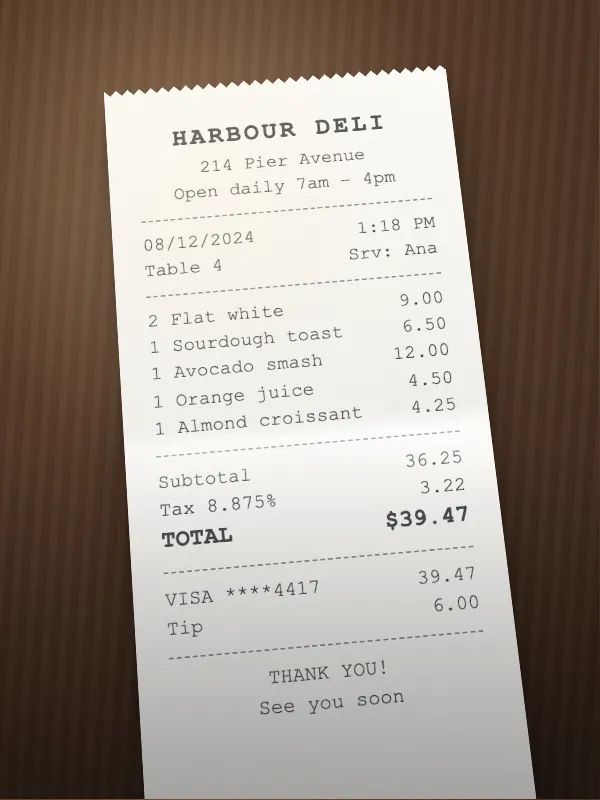
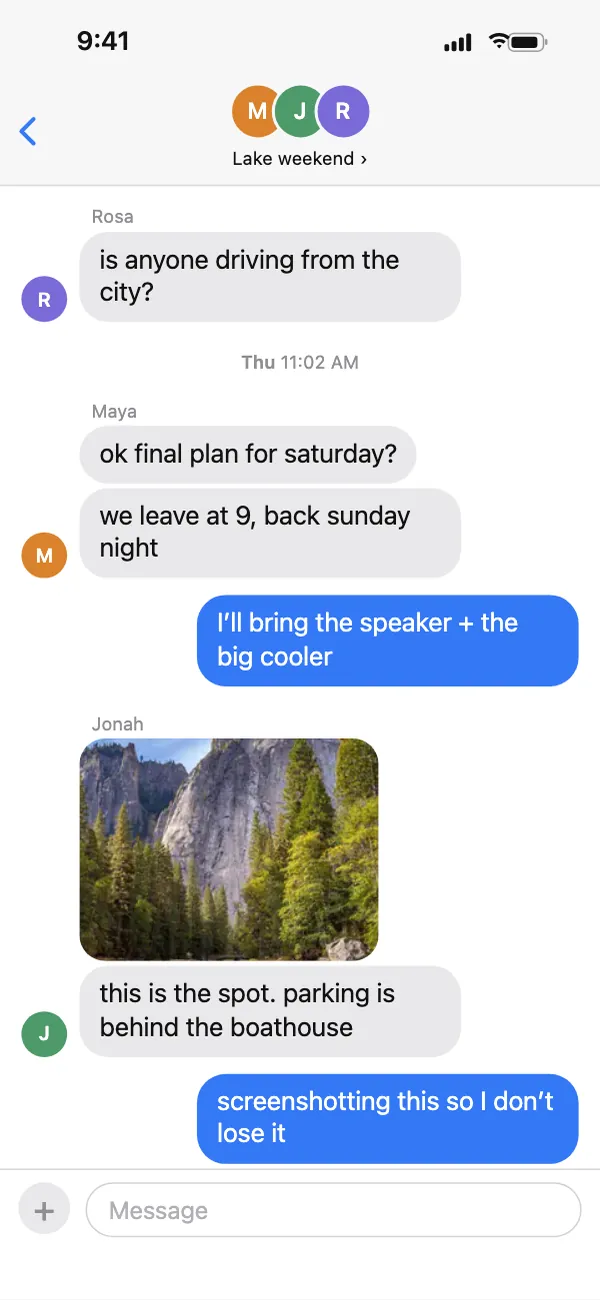
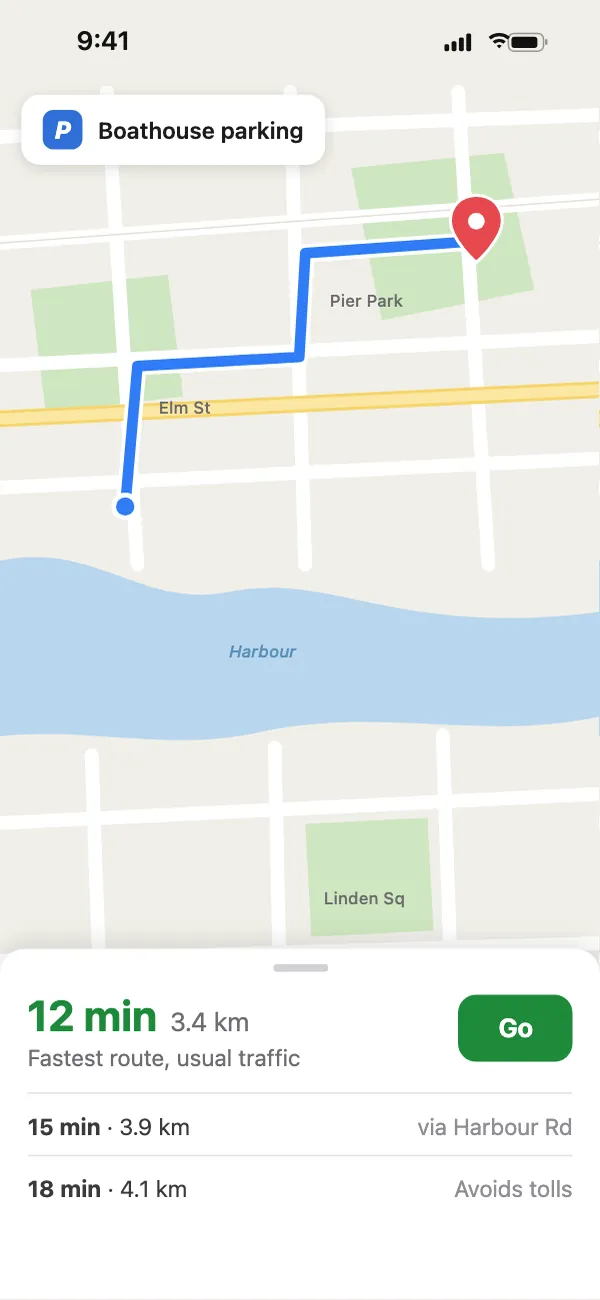
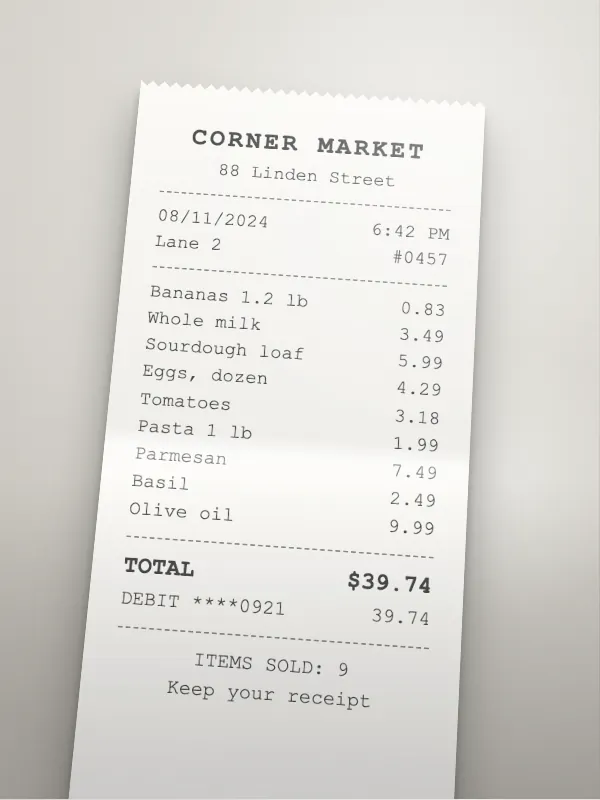
It isn’t the photos you love. It’s the receipt you shot once, the screenshot of a code you already used, the same sunset five times.
In Photos, clearing them out means select, scroll, select — and hoping you didn’t catch a keeper. Sweep puts one photo in front of you at a time, so every decision is easy and nothing goes by accident.
Swipe. Review. Delete.
-
Decide in a swipe.
Open a month and its photos and videos come up full screen, one at a time. Right keeps, left tosses — or tap the buttons. Each card shows the date and roughly how much space it takes.
 Aug 6, 2024 at 8:05 PM3024 × 4032, ~2.3 MBKeep
 -
See the pile before it goes.
Every toss waits in Review with its size measured on your iPhone, so the total is what you get back. Tap anything to keep it after all. Photos that live only in iCloud show an estimate, marked ~.
17 items
About 334 MB will be freed. Tap any photo to keep it instead.
 1.4 MB
 1.1 MB
2.1 MB
1.1 MB
2.1 MB
 2.2 MB
 2.4 MBKeep
 78.6 MB0:48
1.8 MB
78.6 MB0:48
1.8 MB
 1.9 MB
 ~2.3 MB
 942 KB
 2.6 MB
 2.0 MB
 226 MB2:14
 1.3 MB
 2.9 MB
 2.7 MB
 1.9 MB
 1.6 MB
-
Delete it all in one go.
Tap Delete and iOS asks you to confirm with its own dialog — Sweep can’t delete a thing without it. Then it counts up the space you freed.
About
334 MB
17 items gone. 5.2 GB reclaimed so far.
iOS keeps deleted photos for 30 days in Recently Deleted. Empty that album to get the space back right now.
Open PhotosShare the win Keep sweeping
Four chances to change your mind
- Undo steps back through every swipe in the session.
- Review holds every toss until you act, even if you close the app.
- iOS confirms every delete. Cancel it and nothing changes.
- Recently Deleted keeps photos for 30 days, so a slip can be recovered.
Start where the space went.
No scrolling back to 2019. Four shortcuts on the home screen go straight to the piles that fill a phone.
- Screenshots
- Every screenshot, newest first. Boarding passes, memes, codes you already used.
- Bursts
- Shots taken within 2.5 seconds of each other, lined up so you can keep the one where nobody blinked.
- Videos
- Longest first. One long video can weigh more than a hundred photos.
- Shuffle
- A hundred random picks from anywhere, for five spare minutes.
Or work through your library month by month. Each month keeps a progress line, so you always know how far you’ve got.
Freed with Sweep
5.2GB
Quick cleans
2024
August
176 left of 214 photos
July
Sorted

June
1,102 photos, 18 videos

Your photos never leave your iPhone.
Sweep reads your library on the phone and does all of its work there. No photo, video or thumbnail is ever uploaded — there is nothing on the other end built to receive one.
An account is optional. It adds free swipes and lets Sweep Pro follow you to a new phone. Everything else works without one. No ads, and no ad trackers.
Stays on your iPhone
- Your photos and videos
- Thumbnails and previews
- Filenames, dates and locations
- What you keep and what you toss
Leaves your iPhone
- A per-install device ID and your swipe count
- Your email and sign-in, if you make an account
- Purchase receipts, to unlock Sweep Pro
- Crash and performance diagnostics
- Product-analytics events (screens and buttons used), unless you turn them off
The privacy policy names each service involved — Supabase, RevenueCat, Sentry, Resend and PostHog — what it receives, and how long it is kept.
Try it properly, on your own photos.
Free
30 swipes as a guest
60 with a free account
A swipe is one keep-or-toss decision. These are totals for good, not a daily drip. Every feature is included, and you don’t need an account to start.
Sweep Pro
Unlimited swipes
Yearly, monthly, or once for lifetime
No account needed to buy. Pro is tied to your Apple ID, so Restore Purchases brings it back on a new or reset iPhone. Lifetime is a single purchase that never renews.
Deleting is never limited. Run out of swipes with two hundred photos in Review and you can still delete all two hundred. Prices are set on the App Store and shown in the app, in your currency, before you pay.
Before you ask.
Do I need an account?
No. Allow photo access and start swiping. A free account adds 30 swipes (60 in total) and lets Sweep Pro follow you to a new phone. If you make one, you can delete it from inside the app at any time.
What if I swipe the wrong way?
Tap Undo. It steps back one card at a time through the whole session and pulls a toss back out of Review. Kept something you meant to toss? Settings → Reset kept photos brings your keeps back for another pass.
Where do deleted photos go?
To Recently Deleted in the Photos app, where iOS keeps them for 30 days and you can recover them. Empty that album when you want the space back now — Sweep’s last screen has a button that opens Photos for you.
Does it find duplicates or similar photos?
Not automatically, and it never decides for you. Bursts lines up shots taken seconds apart so you can pick the keeper yourself. For exact duplicates, the Photos app has its own Duplicates album.
What does it cost, and can I cancel?
It’s free to start: 30 swipes as a guest, 60 with a free account. Sweep Pro removes the limit, yearly, monthly or once for lifetime, at the price the app shows you before you pay. Subscriptions go through Apple, so you cancel them in Settings → your name → Subscriptions. Lifetime has nothing to cancel.
Does it work on iPad or Android?
No. Sweep is made for iPhone.

Make room for the photos worth keeping.
Free to try, no account needed. Your photos never leave your iPhone.
Sweep is one person’s app. If something is broken, missing or just annoying, contact@arktik.tech reaches me, not a support queue.
Artem Kurtiak, maker of Sweep